Reflection Blog Post

Throughout the course of the class we had to complete several projects, some more entertaining than others. My favorite project would have to be the final video project. That project forced me to go out of my comfort zone and complete a video for a client. I learned a lot creating that video and I am excited to incorporate it into my future.

I am glad that I chose to take this class. Coming into this year I was fluent with the entire cloud studio aside from illustrator. This class forced me to learn illustrator which will benefit me in the future.

Overall I would say that I enjoyed my experience in this class. It was my first online class which took some adjusting to but I got used to it. I would like to say that I do prefer physical classes more but without this class I would not have known it.

The photoshop project would also be up there for my favorite project as I love photoshop. Photoshop is so cool because it lets you take a photo and then change it to whatever your heart desires.

I wish we had a course on after effects though because I like to use after effects. After effects is like photoshop but for video. For example if I had a video and I wanted to change it I would put it in photoshop. But on the other end of the spectrum if I had a photo and I wanted to change I would most likely use photoshop.

I am glad that I made the decision to enroll in this class (com210) to start my college career. It was a good introduction into what college classes are like. I think if I was to wait until next semester to take it I would have potentially had a different experience!
Final Video Story

This is the culmination of the work that I put in for Dr. Cousins. I learned a great deal through the production of this video and I am excited to continue to learn as I grow as a filmmaker.

Now I will talk about the production of this video.

This was the first time that I shot log on my camera. Log is a flat picture profile and I was unsure if I should do it. It was a good choice that I did because it gives you higher dynamic range. If i was to have not shot in LOG the windows in the background would have been blown out which would have resulted in an unpleasant looking shot.

Also during this shoot I learned how to sync audio to video. Normally when you record video the audio is automatically synced up through in camera recording. For this project I wanted higher quality audio so I used an external mic.

By using an external mic you gain some things but you also lose some things. You get better audio but you have to sync up in post. A trick for making this job easier is to clap or make a loud sound at the start of your recording so that there is a spike in the audio channels. You may be familiar with the white clapper boards you see in movies. Those are exclusively for organization of clips and also syncing up audio.

I really hope you enjoy this project. It took a lot of time to make.

You might notice that the lower third does not line up with the name that he said. This was to be fixed but the original file corrupted so I have to wait for my hardrive to be recovered to fix that name.

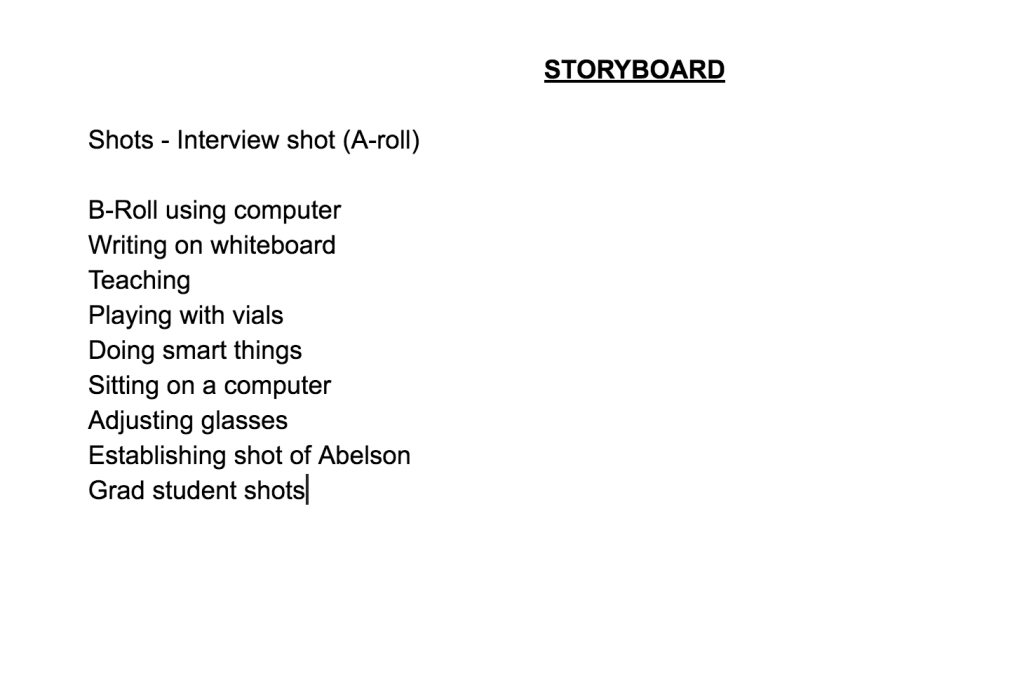
Draft Video Story

This is my video for a professor at WSU. He is a professor of biology. I am interviewing him to get insight on his research and to learn about what they are doing. This was a very fun shoot to do. I had to bring in a special light and I had to use my boom microphone for the audio. Using the boom microphone proved to be a difficult task because it got really heavy. Lucky for me I have been working out so my arms are pretty muscular and I could hold it up for a decent time.

I enjoyed learning a lot about what goes on inside a biology lab. I will take this experience and learn from it in my future. Hopefully I will get connections that will help me in my future jobs.

This was the first time that I shot log on my camera. Log is a flat picture profile and I was unsure if I should do it. It was a good choice that I did because it gives you higher dynamic range. If i was to have not shot in LOG the windows in the background would have been blown out which would have resulted in an unpleasant looking shot.

I am excited to receive feedback from my peers onto how I can make the video better. As well as that I will have a lot of editing to do to have a finished project.

The video is about 5 minute but I only submitted the fist half as to not exceed the time limit.

Also when I type these things it is a good moment for self reflection. Sometimes I struggle to reach the 300 word limit. Thank you for reading this.

All content is owned and copyrighted by James Cole. Go to my instagram JamesVlogss if you would like more awesome content.

Audio Story

I produced red cup with my friends. It is a song about being at a party an d having a red cup. I recorded all of the audio and mixed it using audition. I edited the full song down to eliminate some of the profanities and to make it fit in the timeframe allotted. Making this song was a lot of fun as well as being pretty challenging.

I wanted to turn this in along with my Audio story so I could illustrate my ability within audition. This was a very fun song to make and I learned more about the use of the program than I thought I would.

I used several audio effects including; Denoiser, Studio Reverb, Voice pitch Ocellator, Autotune and parametric equalizer.

This is the story of how I created JamesVlogss. I go into detail about the creation and origin of the esteemed account, leaving little left untold.

JamesVlogss had humble beginnings. It started as a naive boys dream but evolved into a potential job for a young man.

Many people have questioned how such an account came into fruition, so this audio story will sequester all remaining queries.

The process used to edit this audio masterpiece was quiet simple, yet deceptively hard at the same time. It all began with the double tapping on the audition icon on my task bar ( I am on a Macbook pro w/ 1tb of storage) to open up the application. After which point I brought out my Rode ntg3+ to record the highest quality audio possible.

After the recordings were complete, I scoured the internet for hours trying to find a song. The song I found not only complemented the piece but helped to add a much needed layer of depth to the story as a whole.

The changes that I made from the draft to the current piece were very subtle. I adjusted the volume of the background music. I added some blending in the middle of the track and I removed some background noise with the DENOISER filter. Also I used the parametric Equalizer to remove some of the “brassy sound”

Now as much as I would like to go into more detail about the audio story I am afraid that I will get into spoiler territory. So from here on out in this description there is a *SPOILER WARNING*

So I made the account on the way back from a Seattle JSA convention (Junior state of America) JSA is a debate club, so obviously my mind was very active on the car ride back, fired up from the invigorating debates that I had just partaken in.

With all the ideas rolling around in my head, one stuck. Make a private instagram! So I did it and as the saying goes, the rest is history.

Draft Audio Story

https://www.dropbox.com/sh/402g3le7sx2s3y1/AABmuQrPlShBctYI_RhNK0jRa?dl=0

This is the story of how I created JamesVlogss. I go into detail about the creation and origin of the esteemed account, leaving little left untold.

JamesVlogss had humble beginnings. It started as a naive boys dream but evolved into a potential job for a young man.

Many people have questioned how such an account came into fruition, so this audio story will sequester all remaining queries.

The process used to edit this audio masterpiece was quiet simple, yet deceptively hard at the same time. It all began with the double tapping on the audition icon on my task bar ( I am on a Macbook pro w/ 1tb of storage) to open up the application. After which point I brought out my Rode ntg3+ to record the highest quality audio possible.

After the recordings were complete, I scoured the internet for hours trying to find a song. The song I found not only complemented the piece but helped to add a much needed layer of depth to the story as a whole.

Now as much as I would like to go into more detail about the audio story I am afraid that I will get into spoiler territory. So from here on out in this description there is a *SPOILER WARNING*

So I made the account on the way back from a Seattle JSA convention (Junior state of America) JSA is a debate club, so obviously my mind was very active on the car ride back, fired up from the invigorating debates that I had just partaken in.

With all the ideas rolling around in my head, one stuck. Make a private instagram! So I did it and as the saying goes, the rest is history.

*I tried my best to embed the video but it would not work. I douple checked to make sure that the link worked and it does!

Logo Design Final Draft

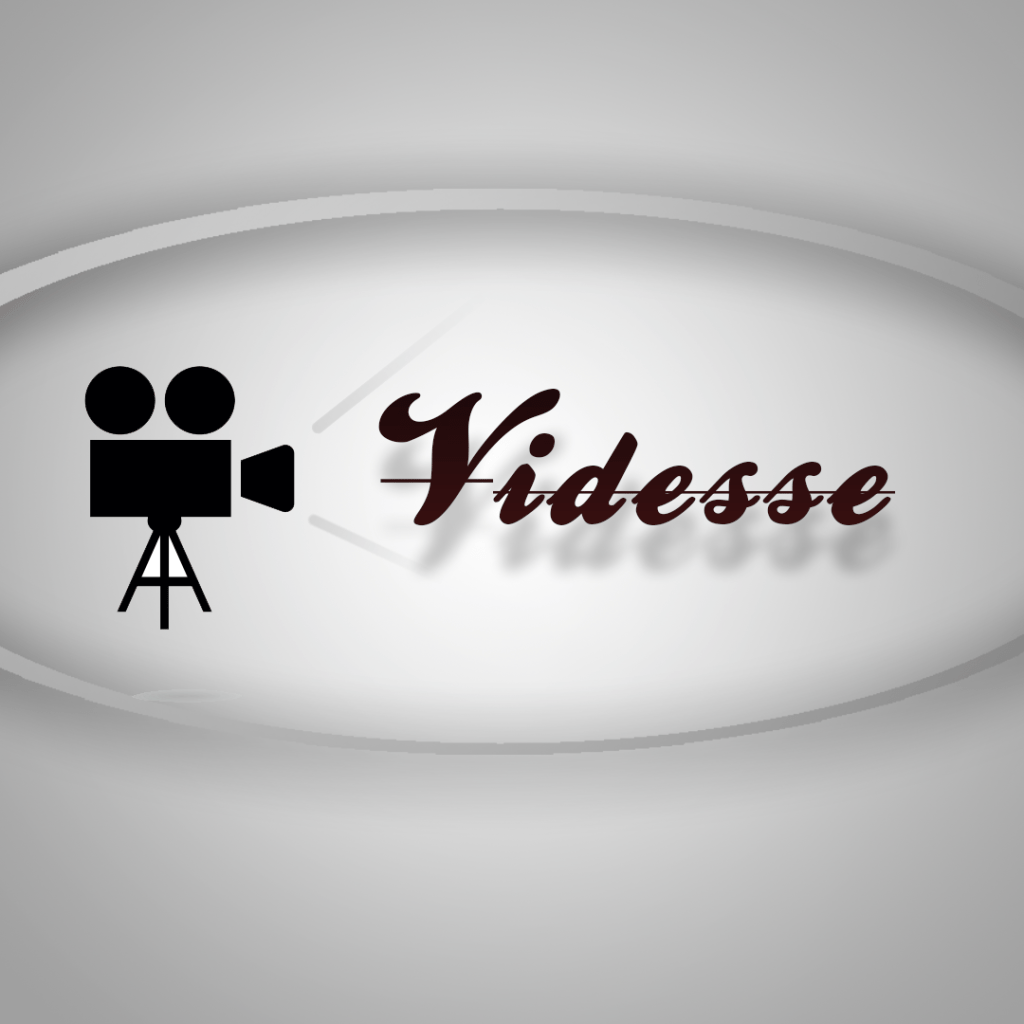
This is the logo that I have designed for my video production company called Videsse. Videsse is a company that I started back in high school. It is a video production company that produces short videos for local businesses. This logo is important because every business needs a logo.

I chose a simple minimalistic design for my logo. I wanted a camera because I think it easily gets the point across of what I do. Then I added the name of my business because I think for what I do it makes sense to have that in the logo. The background is a light gradient that is easy on the eyes.

To come up with the design I first looked at other video production businesses and tried to mimic theres. I liked “Mighty Medias” logo. It was simplistic just like mine. After I had the general idea I came up with a sketch that I liked and then implemented it into the actual logo. I tried to make my logo original but also made it stay in line with the industry standard.

Illustrator was hard to get the hang of so designing the actual camera was a tough process but it ended up looking good. I found a clip art image of a camera that I liked and tried to build it in illustrator. After that I watched several tutorials on how to add gradients, drop shadows and other effects similar to that.

All of the Assets were made in program by me. The font I used was the font that we were required to download for the varsity lettering illustrator tutorial. All of the challenges I had I overcame by looking at tutorials online.

The logo itself has a gradient inside the letters. I also added a line through the text because I thought it looked better with it. The drop shadows I thought added some more depth to the image. I added the oval around the image to make the logo feel more contained.

Overall I am happy with how the logo turned out.